Quick Answer: Mistfall Hunter runs on PC (Steam and Xbox PC/Game Pass), PS5 and Xbox, with official crossplay matchmaking. The game explains almost none of the platform fine print, so here it is. There's a hard North America region lock: NA-registered accounts get the NA build and US servers, full stop. Five server regions exist — China, US, Germany, Singapore, Brazil — and Oceania has none. PS5 and Xbox controllers are officially supported on PC, and the July 30 patch cleared a batch of controller-specific bugs, so most of what bit you in the launch build is patched. Still open: a rebind trap on Blackarrow (main attack on RT reportedly kills skill 3), keybinds that don't save, no UI or text scaling, and no FOV slider. Ignore the "/fov 120" chat command going around — a player tested it and it does nothing. And from the official FAQ: cheating on a Family Shared account permanently bans both accounts.
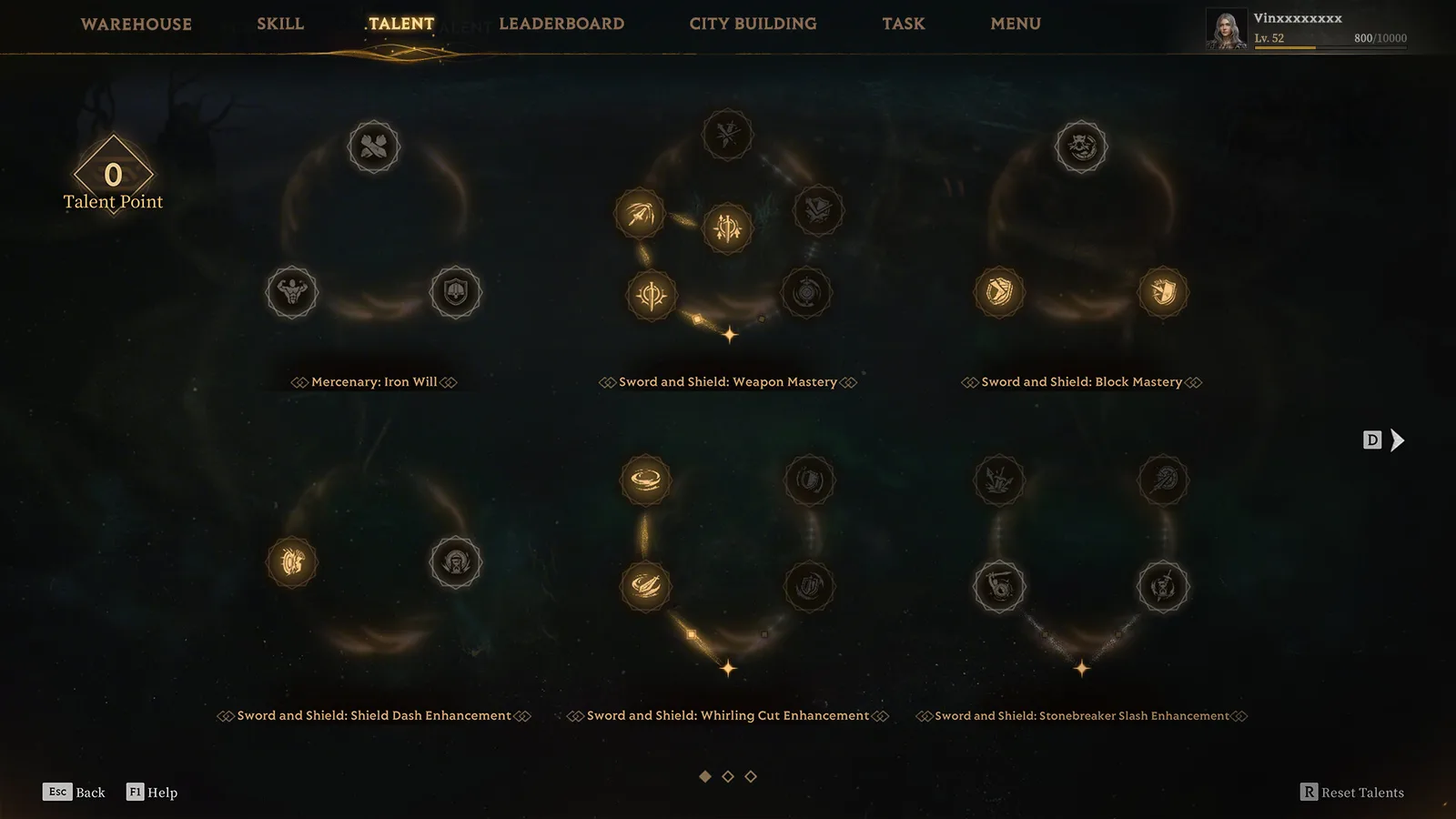 The between-raid menus (Talent screen shown, PC prompts visible) are where most of the launch build's controller bugs lived — the July 30 patch cleared the worst of them. (Screenshot: Bellring Games)
Version note: Written on the July 30 build, August 5, 2026. Platform facts come from the official Launch FAQ and patch notes, the rest from player threads, all linked inline. A client update is officially due within days.
The Official Platform Facts (Launch FAQ)
Everything in this section is first-party, from the official Launch FAQ:
- Platforms: PC via Steam and Xbox PC (Game Pass), PS5, Xbox, with cross-platform matchmaking. Console and PC hunters share the same lobbies, and the same launch bugs.
- Controllers on PC: PS5 and Xbox controllers are officially supported.
- Region lock: accounts registered in the US, Canada, Mexico and certain other North American countries can only download the NA build and only connect to US servers. This is by design. If you're NA-registered and want to play on EU servers with friends, you can't.
- Servers: China, US, Germany, Singapore, Brazil. No Oceania servers — an OCE server vote is being organized through the official Discord.
- Family Sharing: supported, with the explicit warning that cheating on a shared account permanently bans both accounts.
- Minimum specs run through DirectX 12 (GTX 1060-class GPU, 12GB RAM), which matters on PC handhelds and older HTPC builds.
Game Pass is real and active: players in the launch-window threads are on it, and the developers' AMA addresses Game Pass users buying the Deluxe upgrade. Crash reports come from Game Pass installs too (see Fixes & Performance), so treat troubleshooting advice as platform-neutral.
What the July 30 Patch Fixed for Controller Players
The launch build's controller experience was measurably buggier than mouse-and-keyboard. Check this table before you trust a day-one horror story — all of it is official, from the July 30 update notes:
| Launch bug | Status |
|---|---|
| Moving the cursor with the stick on the season leaderboard crashed the game | Fixed |
| Couldn't unequip items in the Loadout screen on controller | Fixed |
| Auction House gem slots couldn't be selected with the D-pad (stick worked) | Fixed |
| Public training-room settings wouldn't open | Fixed |
| Console platforms: reconnection after disconnects | Fixed |
| PS5: deck interface displaying wrong | Fixed (was self-healing on restart) |
| Xbox PC: error popup on quitting | Fixed |
Current Controller Irritations (Community-Reported, Watch List)
Single reports unless noted, with no developer replies yet:
- Keep Blackarrow's main attack on the bumper. A player who moved it from RB to RT found the third skill stopped working entirely (thread). Until that's acknowledged, the default layout is the safe one.
- You can't rebind individual skills, which is a Sorcerer player's complaint here (thread).
- Keybinds may not save between sessions. One reporter re-binds every launch (thread).
- If the Xbox app won't log you in, clear your Xbox friends and block list. That workaround comes from a community collection in the same thread.
Steam Deck, SteamOS & Linux
No official Deck verification exists. The practical status is community and press reporting:
- It runs, and the anti-cheat doesn't block it. GamingOnLinux's August 3 write-up reports the game working under Proton 11 on SteamOS, with the Bellring anti-cheat not preventing play. That's the fact that matters most for Deck owners, given how extraction games and anti-cheats usually go.
- Two caveats from the same write-up: a white screen on first load on a Steam Machine, cleared by reloading, and no text or UI scaling, which makes menus and item text hard to read at handheld size or from a couch.
Readability & Camera: The Missing Settings
Two absences every console-style player hits within an hour, both confirmed by community testing rather than any official note:
- No crosshair customization. The reticle is small and low-contrast, and the request threads (Steam, plus a well-upvoted Reddit thread) have no official response yet.
- No FOV setting, and the "/fov 120" chat command is fake. It circulates in in-game chat; a player tested it publicly and it does nothing. Don't type commands strangers hand you in a PvP extraction game.
Which Class Should Controller Players Pick?
No community consensus exists yet, and we won't invent one. The only controller-specific class fact on record is the Blackarrow rebind bug above. Class strength works the same on a pad as on mouse — see the PvP Class Counters guide, where the short version is that Shadowstrix is the solo-queue menace regardless of your input device.