Quick Answer: Most "broken" workers are mis-configured, not bugged. To make one prepare drinks you need three things: a preparation area with the drink selected on it, both the "prepare drinks" and "allow pouring" tasks enabled, and the drink added and activated in your menu. Beyond setup, two numbers govern how good a worker is — skill for the task and happiness — and since V1.0.4 they set movement speed directly. Their AI also needs physical room, because tight furniture breaks their pathing.
Version note: Written at V1.0.4 (July 21, 2026) and updated through V1.0.9, which added cross-tavern worker switching. Sources are CROWFORGE Games' Steam forum replies (July 2026) and the official V1.0.0–V1.0.9 patch notes; the task checklist, one-order-at-a-time, pathing and idle-cleaner statements are the developer's own words.
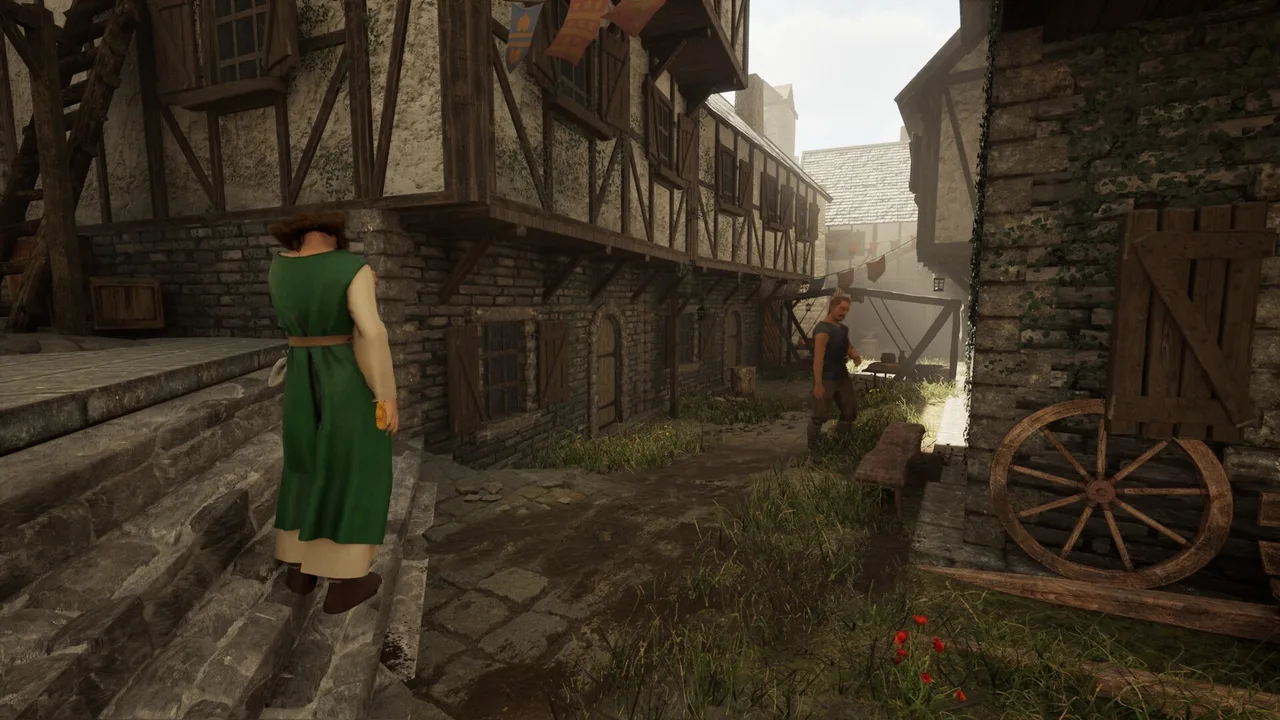 Staff in the server's tabard, out in town. Since 1.0, workers head home after their shift instead of wandering around outside the tavern. (Screenshot: CROWFORGE Games)
Before You Hire: Should You?
Early on, you are the better worker. Serve guests yourself at the start: tips are the early economy, wages are a real cost, and workers are slower than a fast player. Hire when guest volume genuinely outruns you, not before. The Beginner Guide covers that stage in full.
The Setup Checklist (Straight From the Developer)
Run this in order when a worker refuses to prepare drinks:
- Place a preparation area. Workers cannot prepare drinks out of thin air. Choose on the preparation area which drink it produces.
- Enable both task checkboxes. "Prepare drinks" and "allow pouring" are separate switches in the worker's task list, and the second is the one everybody misses.
- Add the drink to your menu, then activate it. Deactivated drinks are never prepared, even with everything else correct.
- For cooking, cut all the ingredients, including the meat. "Not enough ingredients" with a full pantry usually means something was not prepped. Remember to press E, not hold it, when adding chopped ingredients to kitchen baskets.
If all four check out and the worker still stands there motionless, you are looking at the freeze bug family instead. Workarounds are in Bugs & Fixes.
What a Worker Can Actually Do
- One order at a time. No trays, no batching. A tray rework is a possible future item, not something to plan around today.
- They can move between taverns since V1.0.9 (July 28), so trained staff are no longer locked to the tavern that hired them. This pairs with the same patch's option to run multiple taverns simultaneously — see the Money Guide for why that still does not mean passive income.
- They clean up after closing. Once the tavern closes, workers clear the empty mugs off tables. V1.0.4 fixed this task silently not running.
- They go home after work, a 1.0 change. No more loitering outside the tavern after hours.
- Their appearance is saved since 1.0, so staff stop changing haircuts every time you load.
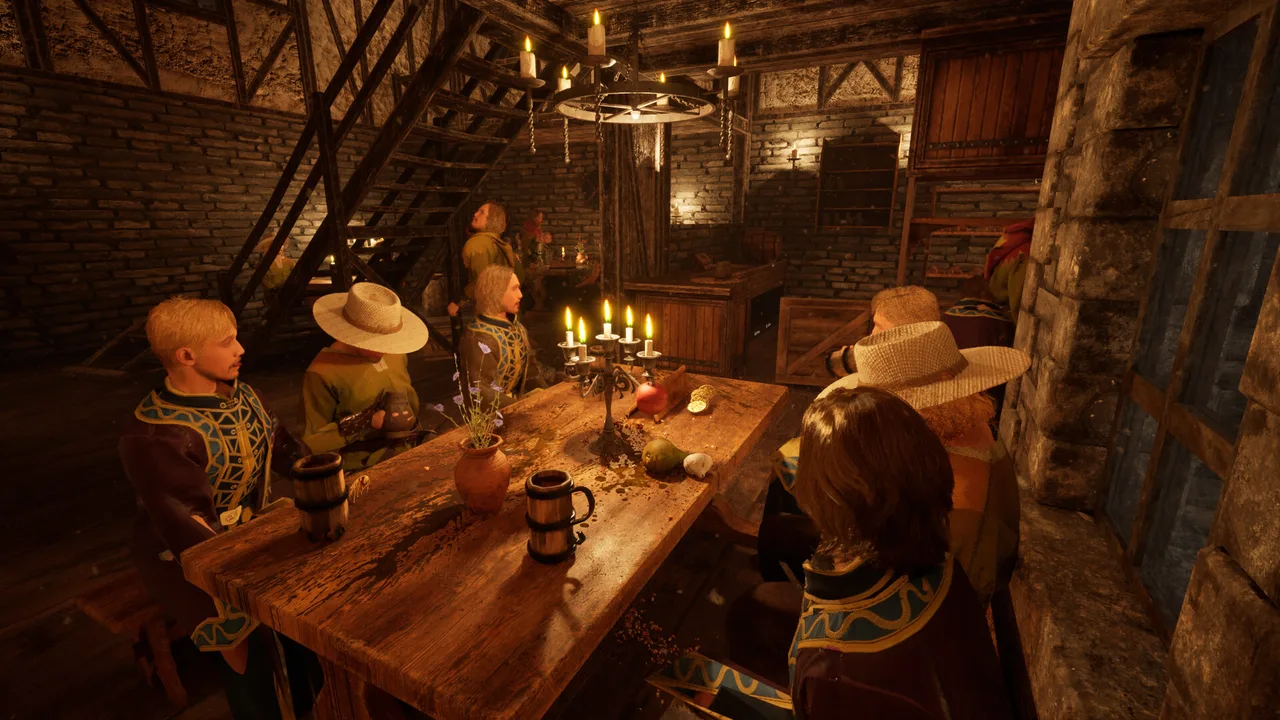 Every one of these orders is a separate trip for a worker. Plan staffing around one-order-at-a-time, not around trays. (Screenshot: CROWFORGE Games)
Skill and Happiness: What V1.0.4 Changed
Before V1.0.4, worker movement speed keyed off the number of active orders and the amount of dirt. The July 20 patch replaced that:
- Movement speed now scales with the worker's skill for the task they're performing and their happiness. A skilled, happy worker walks faster; an unskilled or unhappy one dawdles.
- Serve speed increases at higher skill, so pouring and delivering both benefit.
- The same patch increased the chance of a worker's termination, so a bad fit is likelier to leave than in earlier builds.
Skill is per-task. Assign each worker to what they are good at instead of toggling every task on for everyone.
Layout: Their AI Needs Room
The developer's first question on any stuck-worker report is whether they have space to walk to the equipment. Keep the AI on the rails:
- Leave walking gaps around the bar, the kitchen and every station a worker must reach. Tight decorative layouts are the top self-inflicted cause of stuck staff.
- Retest multi-floor taverns on V1.0.6 (July 23) or later. Workers now choose the nearest equipment by actual walking route rather than straight-line distance, with second floors called out specifically. If you worked around odd station choices by duplicating equipment per floor, check whether you still need it.
- Retest your servers on V1.0.7 (July 24) or later before rearranging anything. Serving workers no longer prepare drinks while an order is open, and the notes also list improved service-priority behavior and better recognition of open orders.
- Keep paths short and storage close. This is the store page's own building advice, and it applies double to staff who cannot improvise around a detour.
- Don't build your pouring corner as a dead-end alley. Idle cleaning staff have no fixed idle spot — "they randomly move around" between jobs and can block the pouring station. The developer has confirmed the quirk and has no fix yet.
When They Freeze Anyway
It happens, and it is the game's best-known bug family. Reset stuck workers one at a time in the workers tab, toggle the "free" checkbox, or reset the mug shelf if they are stuck "going to the cabinet." Those workarounds and the full list of which worker bugs each patch has already fixed live on the Bugs & Fixes page, which we update daily during the launch window.